




Leaderboard
-
myrabury
Forum Donor 2025 - 2827Points13,401Posts -
longtimeshaker
Members10Points5,623Posts -

Kacc
Members6Points20,008Posts -
Radcliffe Loyal
Members6Points12,529Posts




Popular Content
Showing content with the highest reputation on 04/06/26 in all areas
-
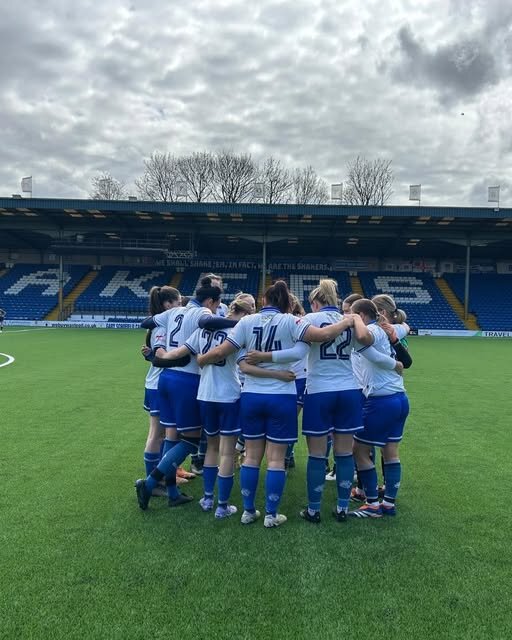 We are delighted to announce that Bury FC Women Reserves have been awarded promotion to the North West Regional Women’s Football League Division One Central for the 2026/27 season. The promotion has been confirmed following a successful application through The FA’s promotion pool process, marking another significant milestone in the continued development of the club’s women’s pathway. The move sees the Reserves step up to Tier 6 of the women’s football pyramid and is recognition of the progress made both on and off the pitch. The promotion provides an exciting new challenge for the squad while strengthening the pathway for players progressing through Bury FC’s women’s programme. The club would like to place on record its thanks to the Women’s Reserves coaching team of Craig, Mitch and Tommy for their dedication, commitment and hard work throughout the season, which has helped the squad reach this significant milestone. Casey Lynchey, Head of Women’s Football, said: Everyone at Bury FC would like to congratulate the players, coaching staff and volunteers on this achievement and looks forward to seeing the team compete in the North West Regional Women’s Football League Division One Central during the 2026/27 campaign. View the full article1 point

This leaderboard is set to London/GMT+01:00