



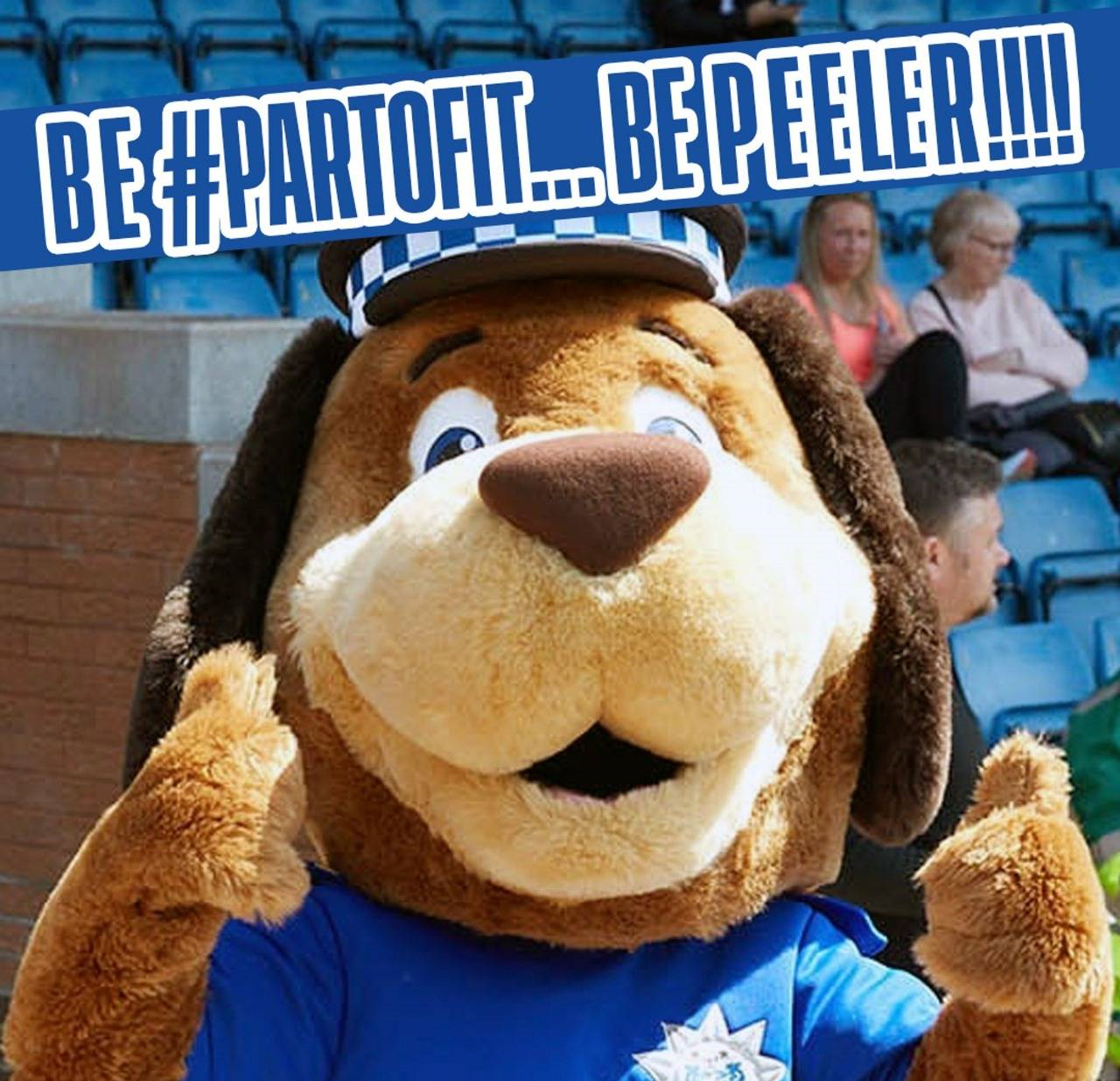

We are looking for someone to take up an important matchday position at Bury Football Club!
Someone who will put a smile on the faces of all in attendance at Gigg Lane… We are looking for a person to don the suit (and uniform) on matchdays at Gigg and take up the role of our Club Mascot Peeler!
What will you be doing?
- Ability to perform in the character costume of Peeler
- Strong nonverbal communication skills for when in costume
- When performing as the character will be constantly in costume and be required to move about in costume during events/appearances to entertain fans whilst working in excessive heat or cold under demanding physical conditions
- Working with children, young families, and vulnerable adults
- Management and maintenance of character costume
- To adhere to the Club principles of safeguarding
- Valid DBS certification
- Must possess an extraordinary level of creativity and spontaneity
- Maintain the highest level of professionalism when representing Bury Football Club.
Who are we looking for?
- The role requires high-quality performances. Performances and appearances will include (but is not limited to); matchdays, community activity, team appearances, sponsors appearances, charities, media, and private functions.
- To be successful, you will be able communicate and engage with the audience and able to adapt your approach depending on who your audience is.
- You will have the ability to work in a fast-paced environment and maintain the highest level of professional when representing Bury FC and club partners.
- You will have experience in character performance and should be physically fit to handle the demands of performing in the mascot costume.
- You will also have the ability to work flexible hours and travel locally when required.
This role is voluntary.
If you’re interested in applying for this position please email: enquiries@buryfc.co.uk by July 29th.