Skip to content

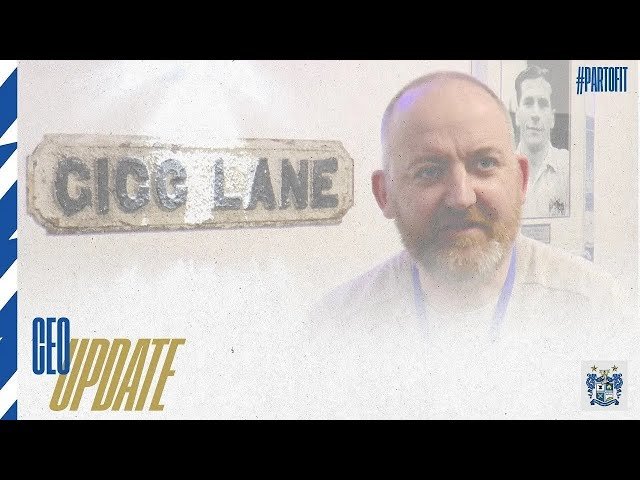
CEO Update – Back to Gigg Lane: Part 1

Ahead of tonight’s test event at Gigg Lane, CEO Neil Sears brings supporters up to date with some of the changes around the ground before the first competitive games take place from next week.

Watch Part 1 of this update below:
 

View the full article

Account

Navigation

Search

Search

Configure browser push notifications

Chrome (Android)
  1. Tap the lock icon next to the address bar.
  2. Tap Permissions → Notifications.
  3. Adjust your preference.
Chrome (Desktop)
  1. Click the padlock icon in the address bar.
  2. Select Site settings.
  3. Find Notifications and adjust your preference.