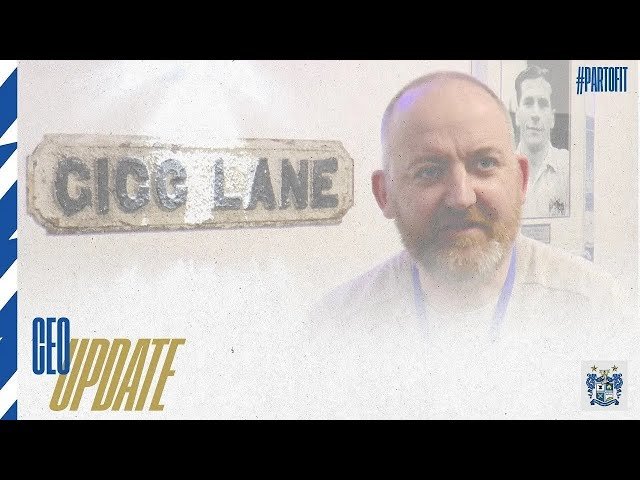
CEO Neil Sears brings supporters up to date with some of the changes around the ground before the first competitive game take place this Saturday against Irlam.
We have placed cookies on your device to help make this website better. You can adjust your cookie settings, otherwise we'll assume you're okay to continue.