
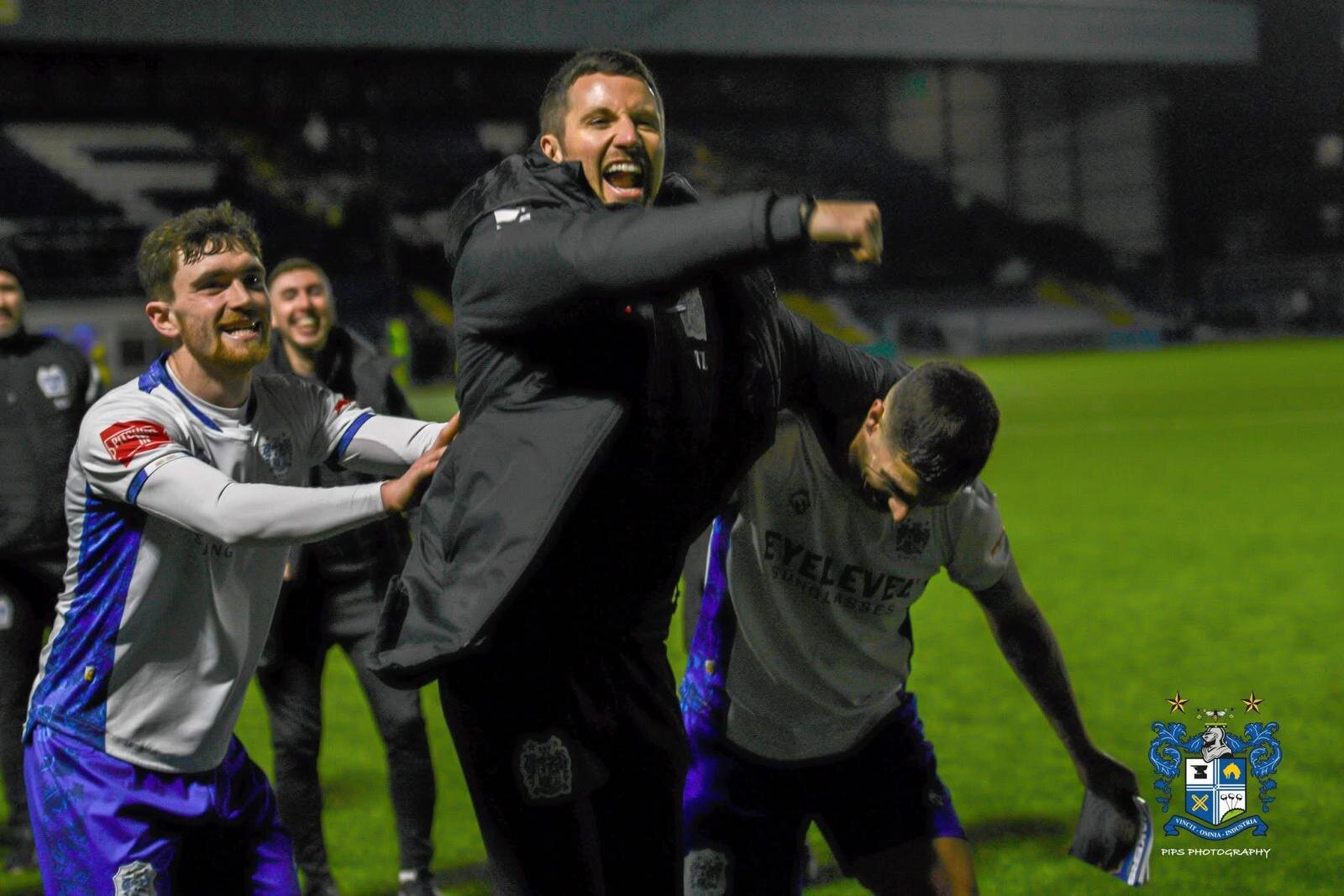

Bury Football Club can confirm that Tim Lees will step up into the role of First Team Manager on an interim basis until the end of the 2025/26 season.
Tim has been a highly valued member of the club’s football staff and brings continuity, commitment, and a deep understanding of the club’s values and ambitions. His appointment ensures stability as the team continues its work on and off the pitch for the remainder of the campaign.
Tim will be supported by Sam Ashton, who will play a key role within the first team setup and provide additional experience and continuity during this interim period.
Lees stated on his appointment:
“Given the changes around the club recently, the team really needs some stability and clarity. I love the club and I’m extremely passionate to see us continue to progress. It is an honour to represent Bury in a managerial capacity and I’ll give it everything I have.”
The club will now take time to carefully assess all available options as part of a thorough process to appoint a permanent First Team Manager ahead of the 2026/27 season. This approach will allow the club to plan strategically for the future while maintaining focus on current objectives.
Everyone at Bury Football Club would like to congratulate Tim on his appointment and wish both him every success in the role. The club would also like to thank supporters for their continued backing as we move forward together.
-
 1
1