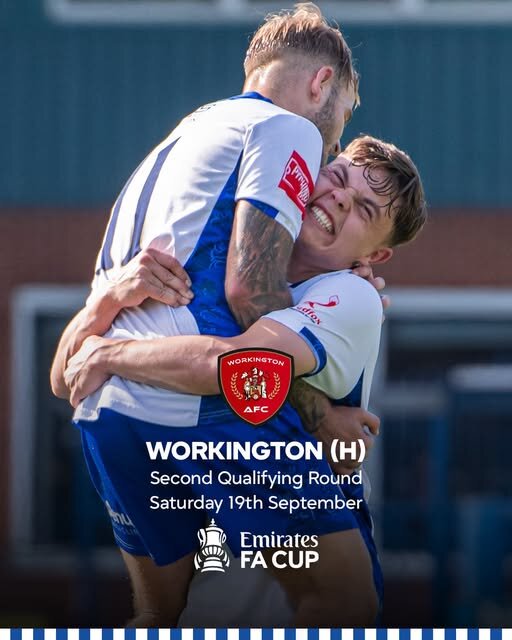

We have been drawn at home to fellow Northern Premier League Premier Division side Workington Town in the Emirates FA Cup Second Qualifying Round draw.
The game is scheduled to be played on Saturday 19th September, with further details around the game to be released in the coming week.
It will be the fourth meeting between the two sides in the FA Cup, having first battled it out in the 1971/72 season with the Shakers coming away with a 3-1 victory.
Five years later in November 1976, it was a comfortable 6-0 win for Bury at Gigg Lane with the third meeting coming in the 2007/08 campaign.
Workington, then in the Blue Square North, looked to be taking the game to a replay before Andy Bishop popped up with a late hat-trick to send the Shakers in the Second Round – part of one of the more memorable runs for fans.
The last time we met @WorkingtonAFC in the @EmiratesFACup
#buryfc legend @andybishop10 with the hat-trick to send us into the Second Round!
pic.twitter.com/VUNWBw3Jdl
— Bury Football Club (@buryfcofficial) September 7, 2026
A 1-0 win against Exeter City followed before Bishop sent the travelling fans wild at Norwich, heading home from Brian Barry-Murphy’s free kick. The home side equalised to set up a replay, with 4,146 in attendance to see the Shakers knock the Championship side out and set up a trip to Southampton – Richie Baker hitting the post early on and then the hosts running out 2-0 winners.
Keep an eye out on the website and social media for further details about the game!