



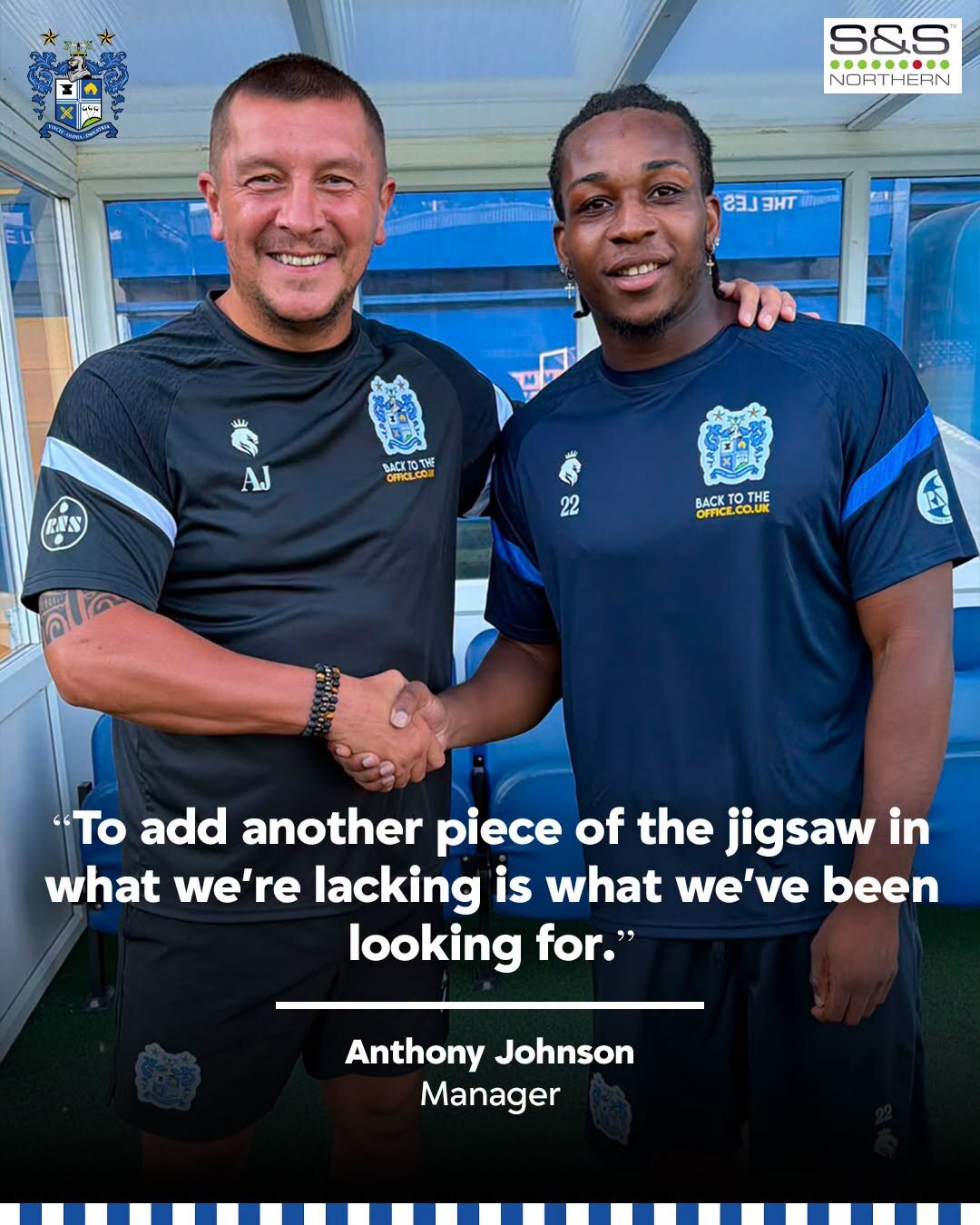

The 25-year old winger arrives at Salford Van Hire Gigg Lane Stadium with a wealth of non-league experience over the last eight years.
His career started in the AC Milan Academy at the age of 7 before relocating to England with his family at 15 years old.
Spells at Stockport Town and Mossley followed, with Uchegbulam signing his first professional contract when he joined Chesterfield in July 2022.
He was part of the Oldham side that achieved promotion back to the EFL in 2025, picking up the assist for James Norwood’s equaliser in extra-time.
Most recently, he featured for Chelmsford City – scoring and assisting on his debut in the FA Cup – and spent a short time at Welsh Champions The New Saints before mutually agreeing to leave ahead of joining the Shakers.
Speaking on the addition of Uchegbulam, manager Anthony Johnson said:
“Really excited to get Jez in. He is someone who we’ve all been aware of over the last few years. He had a brilliant start to his career at Matlock, got his move to Chesterfield, Oldham and Rochdale – some good clubs and did really well.
“Over the last 12 months, he’s become a bit nomadic. Moving about a little bit, trying to find a home. That’s what we said to him when we had a conversation with him and his agent this week. He needs a home and find somewhere where he can express the abilities he’s got.
“To add another piece of the jigsaw in what we’re lacking is what we’ve been looking for.”
Jesurun joins The Shakers subject to international clearance.