



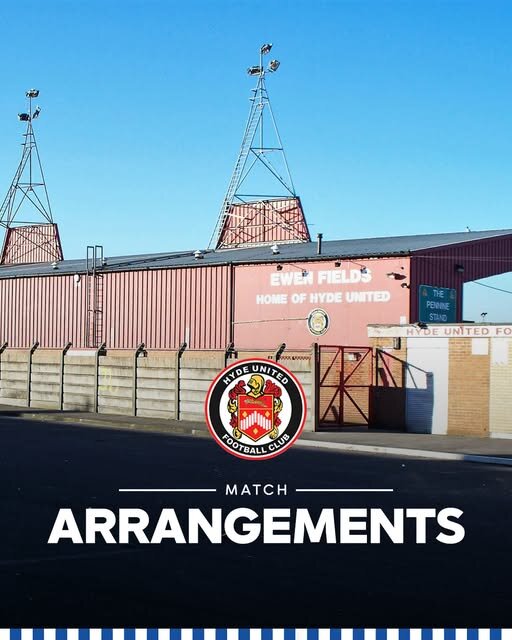

Hyde United have provided the following information for Bury FC supporters ahead of our Bank Holiday Monday fixture.
The match is not all ticket, but there will be formal segregation with an appropriate level of stewarding in place.
Bury FC supporters for the standing area should enter the ground via the away turnstile, now accessed from the left-hand side of the Leisure Centre car park on Walker Lane. This will lead onto the Leigh Street and Tinkers Passage terracing, where there will be a well-stocked catering unit, drinks bar, plus ample toilet facilities.
Ticketing – although the match isn’t all ticket, in order to ease congestion and speed up entry at the Away turnstiles, we are making tickets available for Bury FC supporters to purchase online.
Bury FC supporters for the seating area should enter the ground using the Home turnstile and they will be directed from there to a reserved block.
Bury FC supporters will be guided to the Walker Lane (Leisure Pool end) exit at the end of the match.