
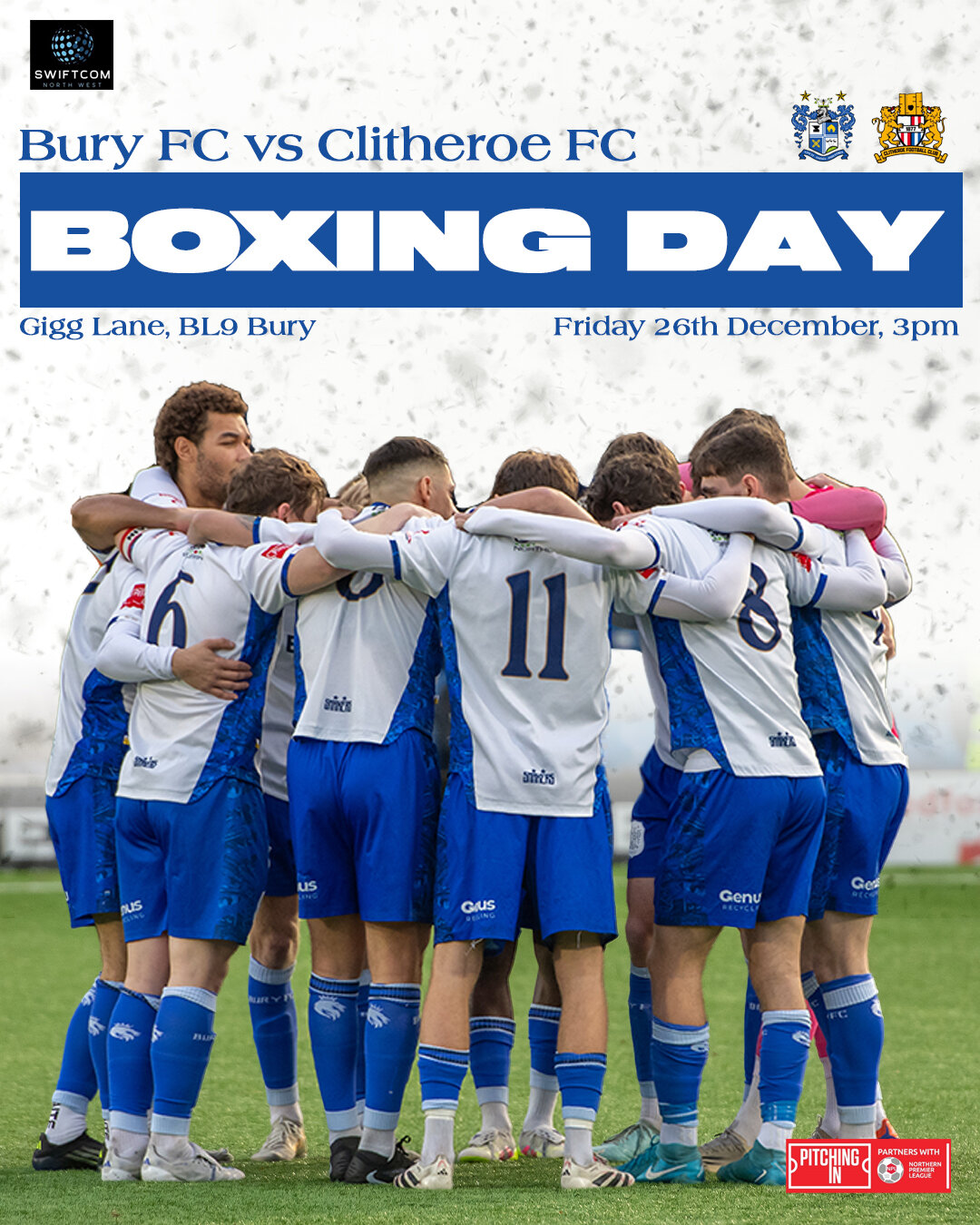


Boxing Day football returns to Gigg Lane as we welcome Clitheroe in what promises to be a competitive festive encounter.
With a big holiday crowd expected and momentum at stake as the season enters a crucial phase, the Shakers will be looking to make home advantage count against a first-time Lancashire opponent. After the excitement of Christmas, attention turns back to the pitch, where three points on Boxing Day could set the tone for the remainder of the campaign.
Last time out, we made it two wins from two under Tim Lees with a deserved 1–0 victory away at Newcastle Town. Rustam Stepans’ first-half penalty proved decisive. Despite the narrow scoreline, Bury dominated throughout, creating a host of chances and rarely being troubled at the other end, with a composed defensive display, including an impressive debut from Luke Tabone, ensuring all three points were safely secured.
In Opposition – Clitheroe
Clitheroe are in their 22nd straight season at Step 4 in the Northern Premier League West.
Founded in 1877, the club’s long history eventually settled at Shawbridge in the 1920s, with notable success in the Lancashire Combination and later national recognition through FA Vase runs, including a Wembley final in the 1990s.
Sean McConville’s impact has renewed optimism that the Blues can push forward as they enter their second century at Shawbridge.
On the Day & In the Ground
Our Matchday @ Gigg guide is available to read to find out everything you need to know going on in and around the ground.
Read more here about Enhanced Safety Measures at Gigg Lane that have been introduced in recent weeks.
Tickets are still on sale via our ticketing page on our website. Pay on the gate will also be available. It is recommended that supporters purchase tickets online where possible to ease the queues at the gate.
Starkies will be open at the normal time of 12.30pm for supporters to access from the Manchester Road End entrance before kick-off. This will be on a first-come, first-served basis up to capacity, which will be managed on the door. Starkies will remain open throughout the game (for those in the main stand only) as well as after the game.
Matchday Media Coverage
If you are unable to make it to the action at Gigg Lane, we’ll have all the live coverage across our media platforms.
Live Stream: This fixture will be live streamed around the world, as it falls outside the UEFA blocked hours. Click here to purchase your ticket from early on Wednesday morning.
Season Ticket Holders receive FREE access as part of their purchase, by entering their 5-letter reference code from their ticket into the Promo Code box. Once entered and the discount applied, follow the steps to purchase as usual. This code will only work once per game.
Keep up-to-date with all our video content via the club’s YouTube Channel. Click to subscribe and never miss highlights and match reaction across the season.
Audio Commentary: Roch Valley Radio will be providing commentary for this game. Join the team from the press box at Gigg Lane. Click here ahead of kick-off to listen live. Audio commentary will be provided for every game of the season, so you will never miss a piece of the action.
Social Media: Our team will also bring you in-depth text commentary via the club ‘MatchDay Live‘ Twitter feed, with team news and half time and full time updates available also on Facebook and feel like you are there with our match galleries and imagery available over on Instagram.
Whatever the weather, wherever you are across the globe, we have you covered.
Up the Shakers!