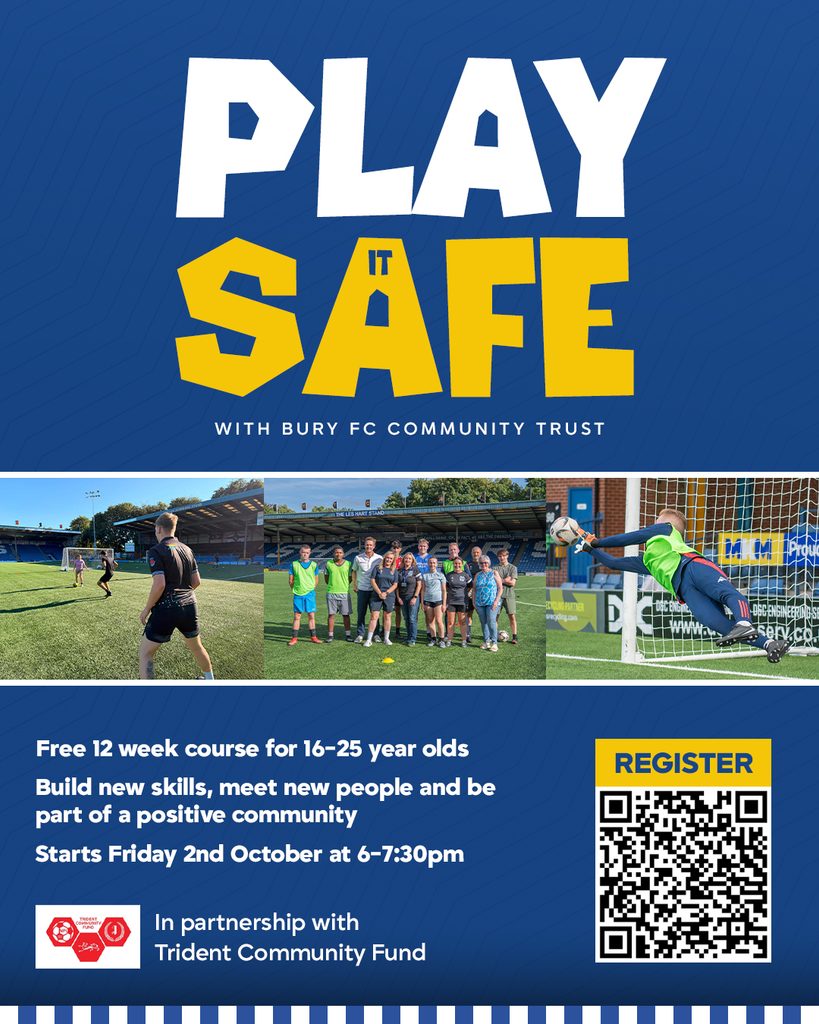




After a successful start to the Play It Safe programme, funded by the NPL Trident Community Foundation, the Bury FC Community Sports Trust would like to provide an update on the progress made so far.
The Play It Safe programme, which began this summer, has completed six successful sessions so far, with over 15 participants getting involved. As the programme reaches its halfway point, we look forward to building on this positive start and welcoming even more young people in the coming weeks.
Play it Safe has given young people aged 16-25, to take part in weekly football sessions to improve vital qualities such as fitness, skill development and teamwork.
The programme delivered by Bury FC Community Sports Trust also recognises the importance of health and wellbeing of the next generation; therefore, participants have had the chance to take part in various different workshops covering topics such as mental health and wellbeing and sexual health awareness. A big thank you too our community partners; Andy’s Man Club, HCRG care group and Kooth for delivering workshops over the current weeks.
What is next?
In the coming weeks, alongside further football sessions at Gigg Lane, the programme will deliver additional workshops addressing important issues affecting young people, including debt management and knife crime awareness. These sessions will provide valuable information and support as the programme continues to help young people develop both on and off the pitch.
Play it Safe sessions take place on Friday evenings from 6pm to 7.30pm. With only a few weeks left of the programme, if you’re aged 16–25 and interested in getting involved, there’s still time to join us! Simply complete the registration form here.
https://forms.cloud.microsoft/e/ueiYVd8Rb6?origin=lprLink