
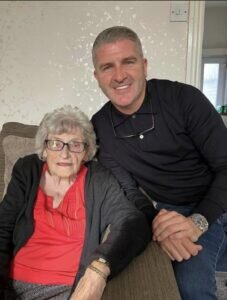


The club is sad to report that one of Bury Football Club’s longest serving personalities has sadly passed away. Joan Curtis was a familiar face for generations of supporters, having dedicated most of her working life to the Shakers.
Joan’s career at Bury Football Club began way back in 1972, when she initially began selling bingo tickets before taking on a full-time role working in the Commercial Department, firstly with Gordon Harrison and more latterly Neville Neville. Joan remained with the club right up until that fateful day on 28th August 2019, and even then she was one of the club employees that continued working unpaid in the hope that the club, in its original form, would be saved.
Joan’s father, Bill Gorman was a pre-war player for the Shakers and the holder of 10 International Caps for the Republic of Ireland. His career took him on to Brentford in 1938 and Joan was born the following year.
In February 1955 Bill returned to Bury to take up a job as an engineering inspector and so, Joan’s association with the town of Bury also began. Initially she took up employment at Dobson and Barlow and later, Lloyds Bank before her 48 year association with the club began.
Joan’s children, Michael (groundsman) and Lynne (Commercial Secretary) were also long-standing club employees, and between Joan, Michael and Lynne clocked up more than 100 years’ service for the Shakers.
Our deepest sympathies go to Michael, Lynne and Joan’s extended family as a Gigg Lane dynasty draws to a close.