
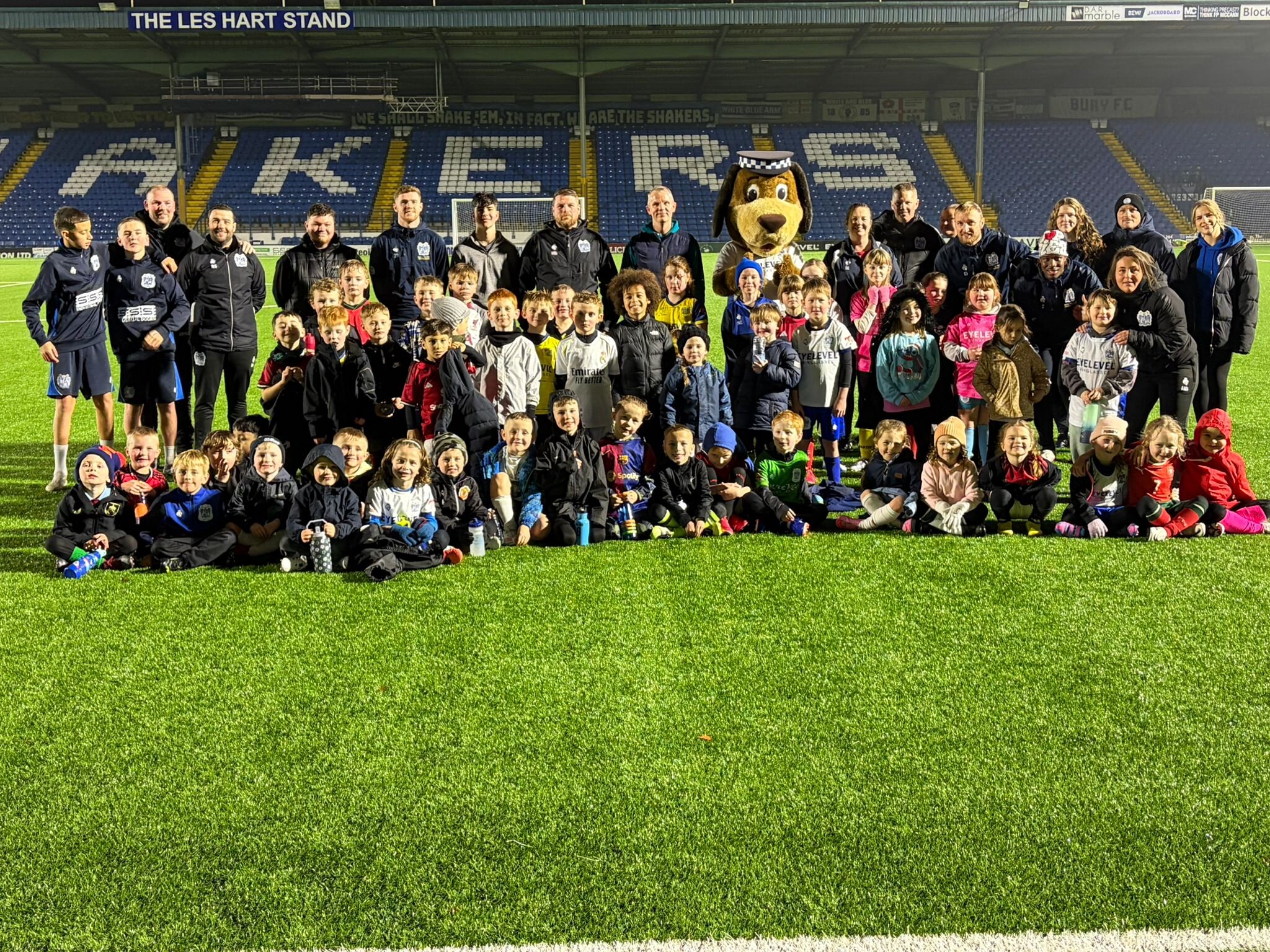

Players, staff, and everyone’s favourite mascot, Peeler the Dog, will be out and about delivering gifts, match tickets, and festive fun this week.


The week began last night with a visit to Bury Ballers, where the team joined our young players. Today, the Shakers head over to our partnership club Unsworth FC, sharing the spirit of the season with local grassroots players. Wednesday brings a special Sporting Memories Session, with ex-players Jason Jarrett and Wayne Entwistle joining the group for a Q&A.
On Thursday, the team will visit their neighbours at Bankfield Residential Care Home, spreading warmth and joy with residents and staff. The week concludes on Friday with a heartwarming trip to Fairfield Hospital, where players will hand out presents and spend time with patients and healthcare workers.
From football pitches to hospital wards, the Shakers are celebrating kindness, community, and everything that makes Bury FC special this Christmas.