



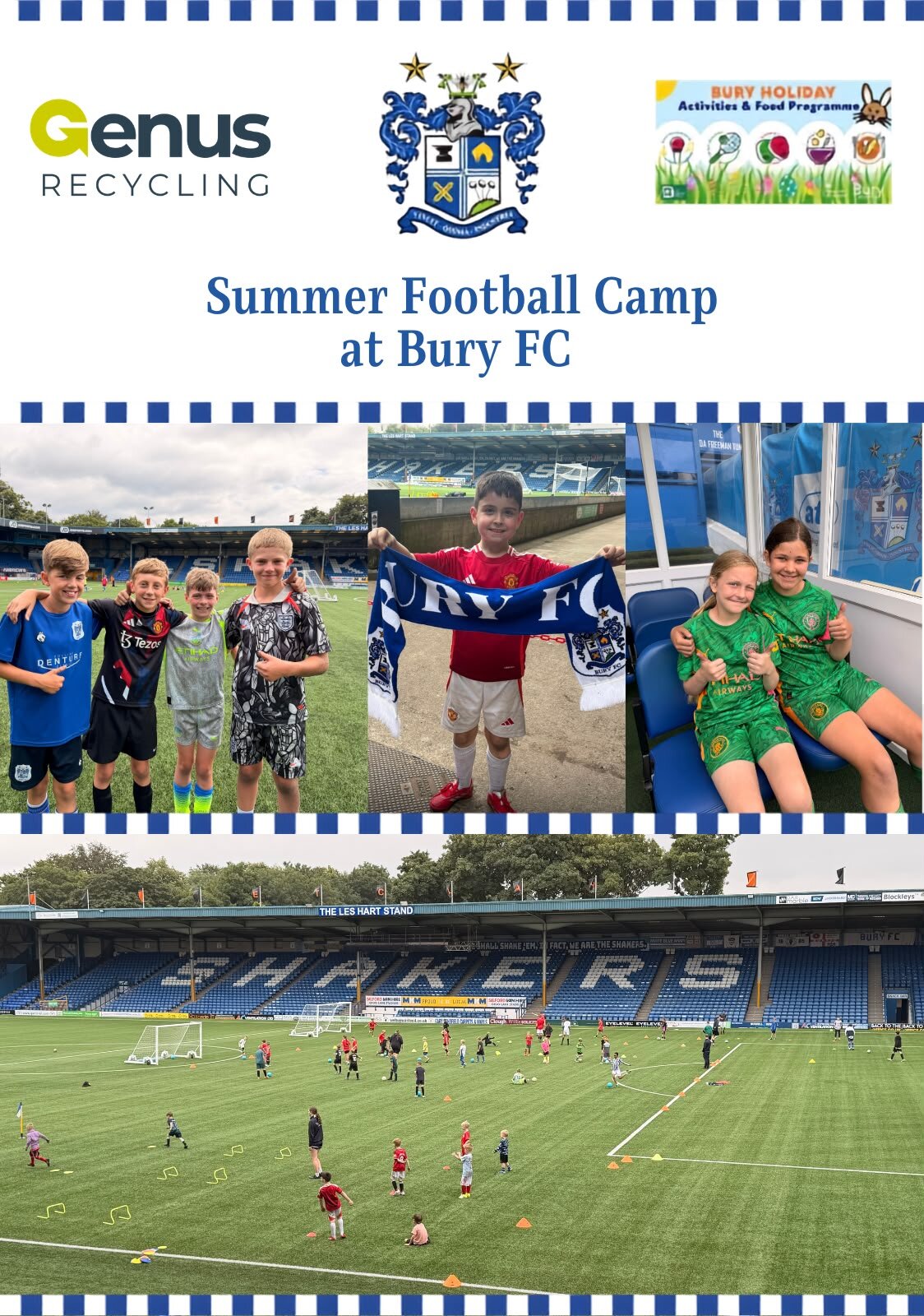

The first week of the Bury Football Club Summer Holiday Camp has been a huge success, with children enjoying an action-packed programme of sport, games and activities throughout the week.

With fantastic attendance and smiles all around, young participants have made new friends, developed their sporting skills and stayed active during the school holidays. From football sessions to fun team challenges and daily prizes, the atmosphere has been outstanding and has provided an enjoyable and inclusive experience for everyone involved.
The Summer Holiday Camp is proudly supported by the HAF (Holiday Activities and Food) programme through Bury Council, helping to provide children with engaging activities and nutritious food during the holidays.
The club would also like to thank GENUS Recycling for their generous sponsorship, their support has helped make the camp even better and ensured that local children can benefit from a memorable summer experience. Free tickets for our friendly fixture vs Radcliffe have been distributed to all participants today (Wednesday 29th July) and we have lots more giveaways and prizes in store.
With such a successful start, excitement is already building for the weeks ahead as even more children take part in what promises to be another fantastic summer of fun, friendship and football.
#HAF2026