
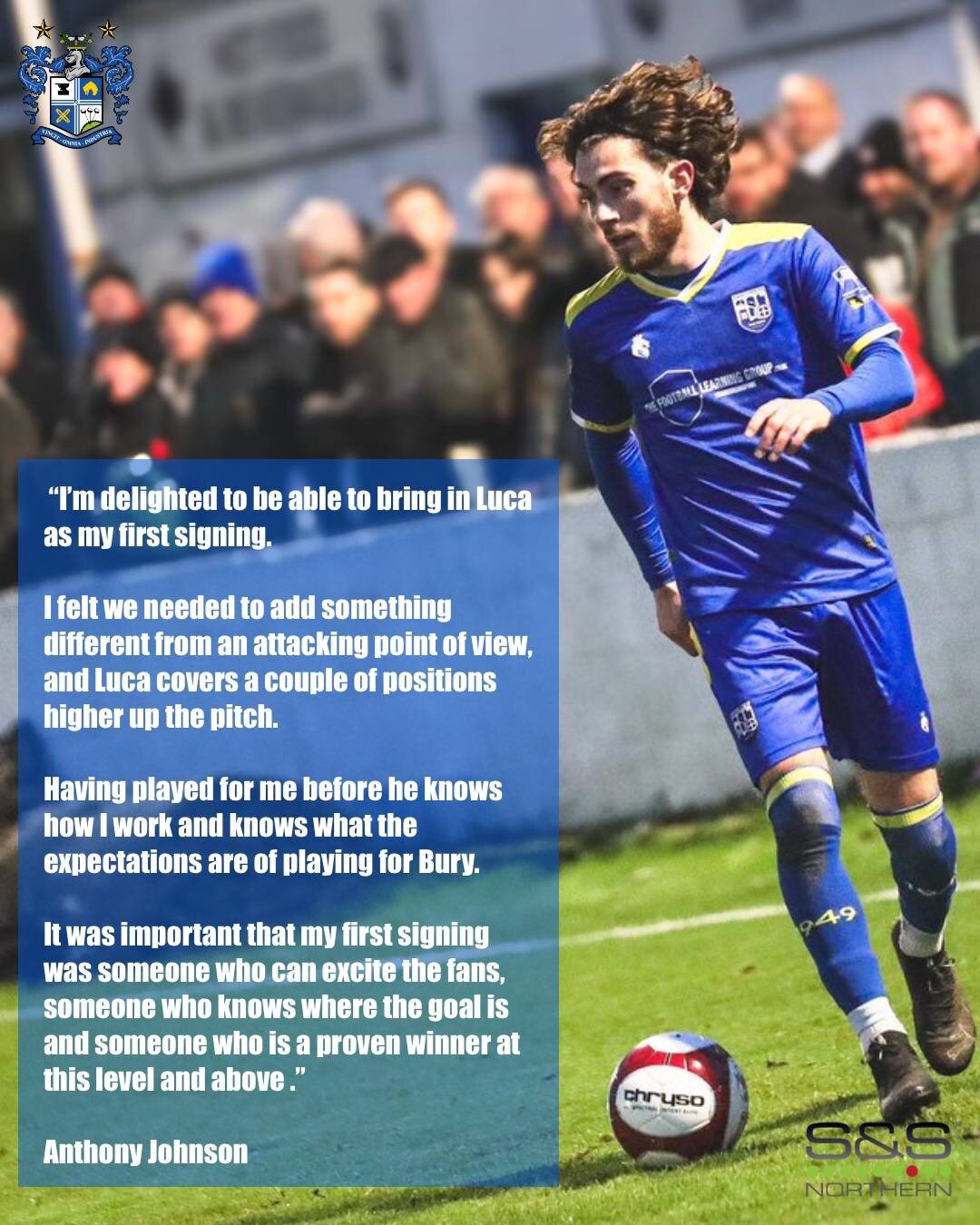

We are delighted to announce the signing of attacking midfielder, Luca Navarro, from Ashton United.
Three days after managing his first game for the Shakers, Anthony Johnson has completed his first signing for the club, reuniting with Navarro as he departs the NPL Premier side.
Jonno has previously coached the 26-year-old at Radcliffe FC, where he finished as the club’s top scorer, with 16 goals in the 22/23 season.
Born in Manchester, Navarro started out at Hull City’s academy, before moving to Bolton. From there, he has represented the likes of Bamber Bridge, Buxton, Radcliffe, Stafford Rangers, FC United of Manchester and lastly Ashton United.
Anthony Johnson had this to say:
“I’m delighted to be able to bring in Luca as my first signing.
I felt we needed to add something different from an attacking point of view, and Luca covers a couple of positions higher up the pitch.
Having played for me before he knows how I work and knows what the expectations are of playing for Bury.
It was important that my first signing was someone who can excite the fans, someone who knows where the goal is and someone who is a proven winner at this level and above.”
Luca Navarro will be coming straight into the side ahead of tonights’s fixture away at Shifnal Town.