




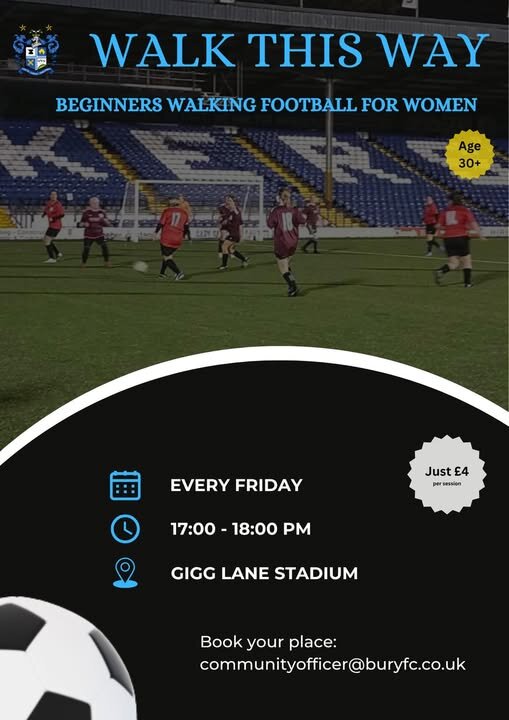
Following the success of ‘Walk This Way’ funded by Bury VCFA, we are happy to announce that our Women’s Walking Football is continuing at Gigg Lane and is now open to the public.
Walking football is a slower-paced version of the game designed to be fun, inclusive and accessible for all abilities and fitness levels. It’s a great way to stay active, improve wellbeing, meet new people, and enjoy being part of a community environment.
Community Development Officer [Hannah Brindle]:
“The project has gone really well, and we’ve seen a fantastic response from everyone involved. We’re delighted to be able to continue the sessions and want to keep building the group, giving more women the opportunity to get involved, stay active and enjoy football in a welcoming environment.”
Find out more about our project success story on the Bury VCFA news story page. Walk This Way: Women Step Into Football, Friendship and Fitness | Bury VCFA
The sessions are suitable for beginners, with a focus on enjoyment, fitness, and social connection. Details of the women’s walking football are below.  Fridays
 Gigg Lane
 5pm – 6pm
If you are interested in taking part and would like more details to sign up to the sessions, please contact Hannah at communityofficer@buryfc.co.uk
Sign up today and Walk This Way – where football, friendship, and fun come together at Gigg!
Women’s Walking Football
· 248 views